SMS Marketing by Vertical
SMS Marketing for Medicare Agents: Speed and Compliance in One Playbook
SMS Marketing for Medicare Agents: Speed and Compliance in One Playbook
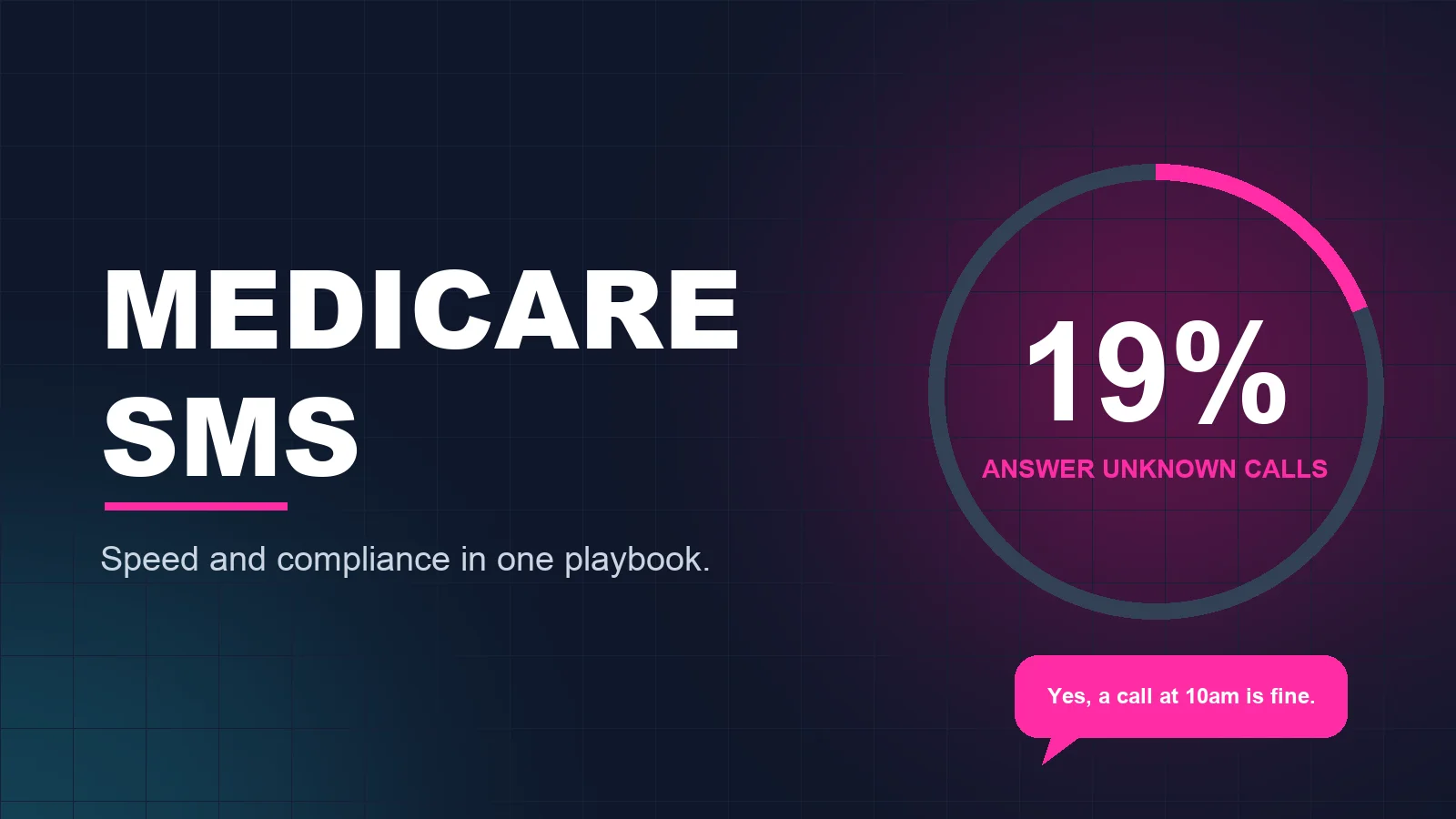
Medicare agents face a squeeze. Enrollment windows are short, leads are contacted by several agents at once, and seniors are rightly cautious about unknown callers. Only 19% of people answer calls from numbers they do not recognize.
At the same time, Medicare is one of the most regulated lines to market. SMS marketing for Medicare agents can absolutely work, but only when speed and compliance are built together. This playbook shows how to do both, with templates written to stay on the safe side.
Why Texting Fits Medicare (When Done Right)
- Seniors screen calls. Scam calls target this group heavily, so unknown numbers go unanswered. A clear text that says who you are and why you are writing builds trust before the call.
- Timing is tight. During enrollment periods, a lead that waits a day may already have enrolled elsewhere. Responding in under five minutes brings up to a 9× higher contact rate. See our speed to lead guide.
- Many prefer it. 60% of leads prefer SMS as the first touch, and texting gives older clients time to read and respond at their own pace.
- Appointments drive the business. Texts are ideal for confirming, reminding, and rescheduling.
For the wider agency playbook, see SMS Marketing for Insurance Agents.
The Compliance Ground Rules (Read This First)
Medicare marketing is governed by CMS rules in addition to the TCPA and carrier requirements. The key principles for texting:
- Permission to contact. Do not send unsolicited texts about Medicare Advantage or Part D plans. Text only people who asked to be contacted, and stay within the scope of what they asked about.
- Scope of Appointment. Before a personal marketing appointment, document which plan types the beneficiary agreed to discuss, following current CMS timing rules.
- Keep plan specifics out of texts. Benefits, premiums, comparisons, and plan recommendations belong in the compliant appointment, not in a text.
- Protect health information. Never ask about conditions, medications, or doctors by text.
- Required disclaimers. Use the disclaimers your carriers and upline require for marketing communications.
- No pressure or misleading claims. Do not imply government endorsement, and avoid urgency tactics.
- TCPA and 10DLC. Get prior express written consent for marketing texts, register your campaigns, honor opt-outs immediately, and respect quiet hours.
- Purchased leads. Confirm exactly how permission was collected and that it covers you. Rules on lead sharing have tightened.
CMS updates its marketing rules regularly. Treat this as a general overview, not legal advice, and have your carrier, upline, or compliance officer approve your templates and workflow each year. See also our SMS & voice compliance guide.
The Medicare Texting Playbook
Stage 1: Instant response to a permission-based lead
When a beneficiary requests contact, text within seconds: your name, that you are a licensed agent, your agency, and a simple question about when they would like to talk. No plan details.
Stage 2: Schedule the appointment
Offer a call now or a specific time. If they want to talk immediately, connect them to a licensed agent with a live call transfer. Otherwise book the slot and confirm it.
Stage 3: Scope of Appointment and reminders
Complete the Scope of Appointment through your compliant process, then use texts to confirm the appointment and remind the client the day before and the morning of. Suggest they have their Medicare card and medication list handy for the call, without asking them to text any of it.
Stage 4: Missed appointments
Seniors miss calls for ordinary reasons. A kind, no-pressure text with two new time options recovers many of them.
Stage 5: After enrollment
Confirm next steps, let the client know when to expect their plan materials, and tell them how to reach you. A check-in after their coverage starts shows you are their agent, not just their enroller.
Stage 6: Annual review
Clients who gave you permission to stay in touch can get a reminder before the Annual Enrollment Period offering a plan review. This is where retention is won.
Medicare Text Message Templates
These are intentionally plain. Add your required disclaimers and have compliance approve them before use.
1. New lead (permission-based)
"Hello Helen, this is Tom, a licensed insurance agent with [Agency]. You asked to be contacted about your Medicare options. When is a good time for a short call? Reply STOP to opt out."
2. Scheduling
"Thank you, Helen. I can call you today at 2 PM or tomorrow at 10 AM. Which do you prefer?"
3. Appointment confirmation
"You are confirmed for tomorrow at 10 AM, Helen. I will call from this number. It may help to have your Medicare card nearby."
4. Reminder
"Good morning, Helen. A reminder that I will call you at 10 AM today. Reply R if you need a different time."
5. Missed appointment
"Hi Helen, sorry we missed each other this morning. No problem at all. Would Thursday at 10 AM or 2 PM work?"
6. Post-enrollment check-in
"Hi Helen, Tom from [Agency]. Just checking that your plan materials arrived. If you have any questions, call or text me anytime."
7. Annual review (existing clients who opted in)
"Hi Helen, Tom at [Agency]. Annual Enrollment is coming up. Would you like to schedule a review of your coverage? Reply YES and I will find a time. Reply STOP to opt out."
What to Text vs. What to Save for the Appointment
| OK by text (with permission) | Save for the compliant appointment |
|---|---|
| Introducing yourself as a licensed agent | Plan benefits, premiums, and comparisons |
| Scheduling and confirming a call | Plan recommendations |
| Appointment reminders and rescheduling | Health conditions, medications, doctors |
| Letting them know materials are on the way | Medicare numbers and personal identifiers |
| Offering an annual review to existing clients | Enrollment itself |
Mistakes Medicare Agents Make With SMS
- Texting without permission to contact.
- Putting plan details or benefits in a text.
- Asking health questions by text.
- Calling repeatedly from unknown numbers and never texting.
- Waiting hours to respond during enrollment season.
- Using last year's templates without a compliance review.
How Conversta Works for Medicare Agents
Conversta responds to permission-based Medicare leads within seconds, using messaging you and your compliance team approve. It handles the scheduling conversation, books the appointment or bridges a live call to a licensed agent, sends reminders, and follows up on missed appointments. Opt-outs are honored automatically. Teams see up to a 9× contact rate and 2.4× more appointments, with setup in under 10 minutes.
Frequently Asked Questions
Can Medicare agents text leads?
Yes, if the beneficiary gave permission to be contacted and the message stays within the rules. Unsolicited texts about Medicare Advantage or Part D plans are not allowed. You also need TCPA consent and must honor opt-outs.
What can a Medicare agent say in a text?
Keep it to who you are, that you are a licensed agent, and scheduling. Save plan details, benefits, and health information for the compliant appointment.
How fast should I respond to a Medicare lead?
Within seconds if possible. The first agent to respond wins 78% of the time, and enrollment periods are short.
Do I still need a Scope of Appointment if we set the meeting by text?
Yes. Texting to schedule does not replace the Scope of Appointment. Complete it through your compliant process before the appointment.
Can I automate Medicare texting?
Yes, for response, scheduling, and reminders, using compliance-approved templates. Keep licensed agents in charge of every plan conversation.
Final Thoughts
In Medicare, speed gets you the appointment and compliance keeps you in business. Text only people who asked to hear from you, keep texts to scheduling and service, and respond in seconds. That combination builds the trust this market runs on.
See it work on your own leads. Start your live demo — no credit card, setup in under 10 minutes.